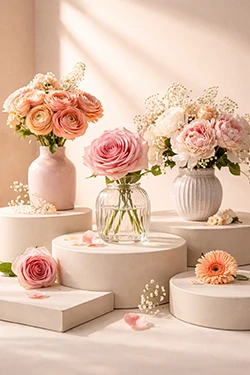
AI Generated ImagesStudio product image
AI IMAGE GENERATOR
Photo Generator is an AI photo generator and AI picture editor. Create AI generated images from a prompt, retouch portraits, expand scenes, build product visuals, and export ready-to-publish designs — all in one workflow.
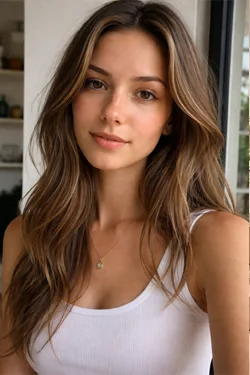
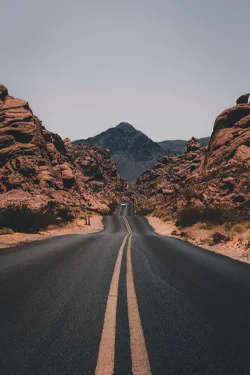
QUICK LINKS
Jump straight into the most common AI image creator, AI photo maker, and AI picture editor workflows.
AI IMAGE GENERATOR
Use one workflow to create AI generated images, refine concepts, and turn raw outputs into usable visuals for ads, products, portraits, and branded content.
AI image generator
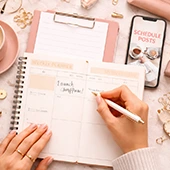
Use this AI image generator to turn ideas into polished scenes, portraits, product visuals, and campaign concepts. It works as a fast AI photo generator, AI picture maker, and AI photography generator in one place.
Try AI Image Generator


AI photo edit
Clean up, replace, or expand any frame after generation. Use this AI photo editor for retouching, background cleanup, and structured AI photo edits when you need more control than a simple one-click tool.
Start AI Photo Edit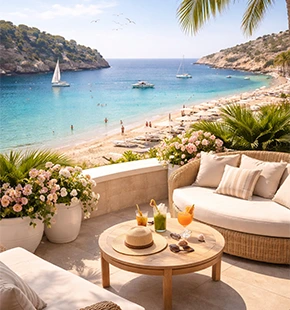 Prompt base
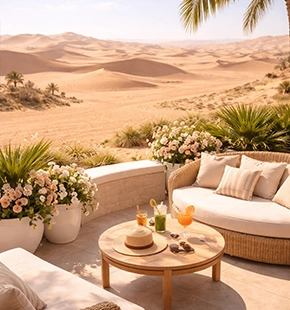 Refined result
AI picture generator
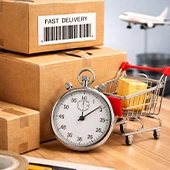
Turn one render into banners, stories, hero images, and storefront layouts. This AI image generator workflow helps you reuse AI generated images across more formats without starting over.
Expand AI Images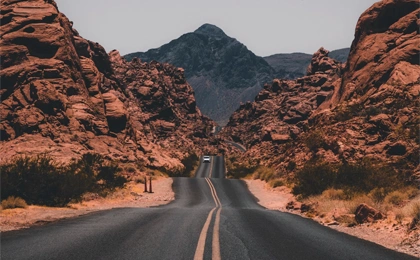
 Original AI crop
Remove distractions from AI generated images and uploaded photos in seconds.
Cut subjects cleanly for ecommerce, ads, and AI photo generator mockups.
Explore alternate visual directions for campaigns, moodboards, and creative briefs.
Upscale AI generated images while protecting edges, texture, and sharp detail.
Recover clarity for portraits, product shots, and AI photography generator outputs.
Move, resize, or isolate details inside an AI image generator composition.
Clean grain and compression from uploads and generated results without losing detail.
AI PICTURE EDITOR
Go from raw AI generated images to ready-to-publish graphics with grids, product scenes, filters, and lightweight editor tools built for fast production.
AI picture editor
Combine multiple renders, photos, and product frames into one clean layout. Ideal when your AI picture generators produce several concepts and you need one final grid.
Get Now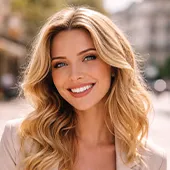
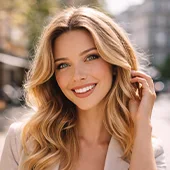
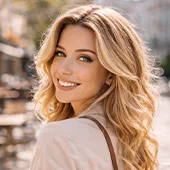
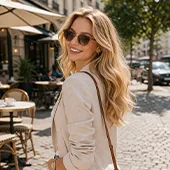
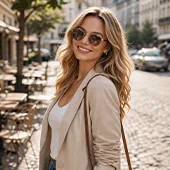
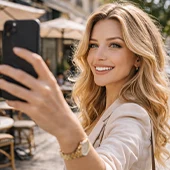
AI photography generator
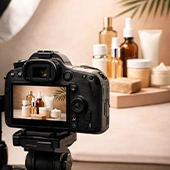
Use your AI photography generator outputs for beauty, fashion, and ecommerce scenes, then polish them into catalog-ready visuals without heavy manual setup.
Get Now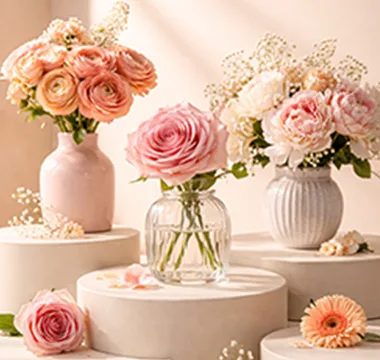
Clean studio AI generated images for beauty, ecommerce, and ad mockups.
AI photo editor
Apply filters, color changes, and finishing effects when an AI image generator output needs a stronger visual direction for ads, thumbnails, or social content.
Style AI Images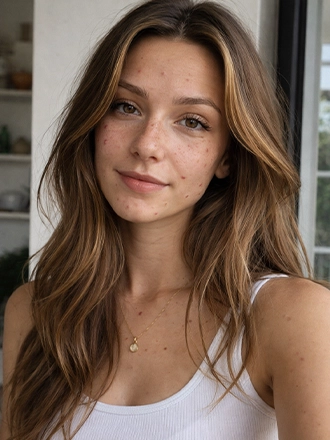 Original
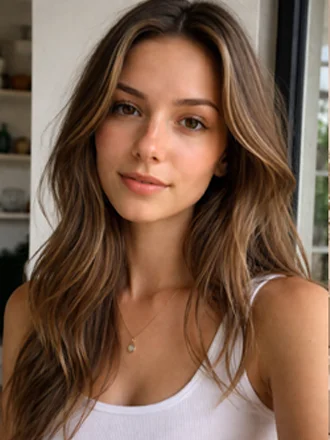 Filtered
Give AI generated images more contrast, detail, and depth.
Add premium depth to portraits and AI photo generator scenes.
Turn AI picture generator outputs into poster-style artwork.
Build mirrored compositions from one AI image generator render.
Create bold edits from AI images generator concepts.
Shift tone and mood for product, portrait, and AI photography generator visuals.
AI IMAGE GENERATOR FAQ
Explore the full feature set — from AI generated images and AI photo edits to layouts, filters, and product visuals.
Photo Generator is an AI image generator, AI photo generator, AI picture generator, and AI picture editor built for prompts, edits, product scenes, portraits, and design-ready visuals.
You can create AI generated images for product shots, portraits, social creatives, ad concepts, moodboards, banners, storefront visuals, and fast campaign mockups from a simple prompt.
The editor includes AI photo edit tools for generative fill, generative expand, object cleanup, retouching, composition fixes, and localized AI photo edits when you need more than a simple one-click filter.
Yes. You can remove backgrounds for products and portraits, delete distractions, clean up clutter, and prepare cutouts for ads, ecommerce, and layered design work.
Yes. Photo Generator includes AI Super Scale, AI Super Sharp, and AI Remove Noise to upscale images, recover clarity, and clean low-light or compressed visuals without losing too much detail.
Yes. You can use it for portrait cleanup, face-focused refinements, fast beauty retouching, and concept-driven visual variations for creative briefs.
The app includes collage and grid layouts, crop and resize tools, picture editing controls, and fast composition options for turning multiple AI generated images into one final social, ad, or presentation layout.
Yes. You can generate studio-style product images, shelf-ready beauty visuals, simple campaign mockups, and polished ecommerce scenes without building every setup manually from scratch.
Photo Generator includes filters and effects such as HDR, Focus / Bokeh, Dispersion, Reflect, Glitch, and Colorize for giving AI generated images a stronger final style.
Yes. The experience is designed around browser use first, with support for desktop and mobile workflows so you can generate, edit, review, and export from different devices as needed.